- ポケモンワイルドエリア仙台2026の情報ページ一覧
 ワイルドエリア仙台 情報発信の実績 画像:Pokémon… 続きを読む: ポケモンワイルドエリア仙台2026の情報ページ一覧
 - 【2026年11月開催】ポケモンGOワイルドエリア仙台・東北|移動はタクシーが正解?UberTaxi割引クーポンまとめ
 2026年11月6日(金)〜8日(日)、宮城県仙台市で「… 続きを読む: 【2026年11月開催】ポケモンGOワイルドエリア仙台・東北|移動はタクシーが正解?UberTaxi割引クーポンまとめ
 - 仕込みの合間にClaudでつくったゲームと道具を並べておきます。全部ブラウザで動きます。インストールも登録もいりません。
 つくったもの一覧 | 自家製麺キリンジ 仙台・二日町 あ… 続きを読む: 仕込みの合間にClaudでつくったゲームと道具を並べておきます。全部ブラウザで動きます。インストールも登録もいりません。
 - (タイトルなし)ホバーで再生
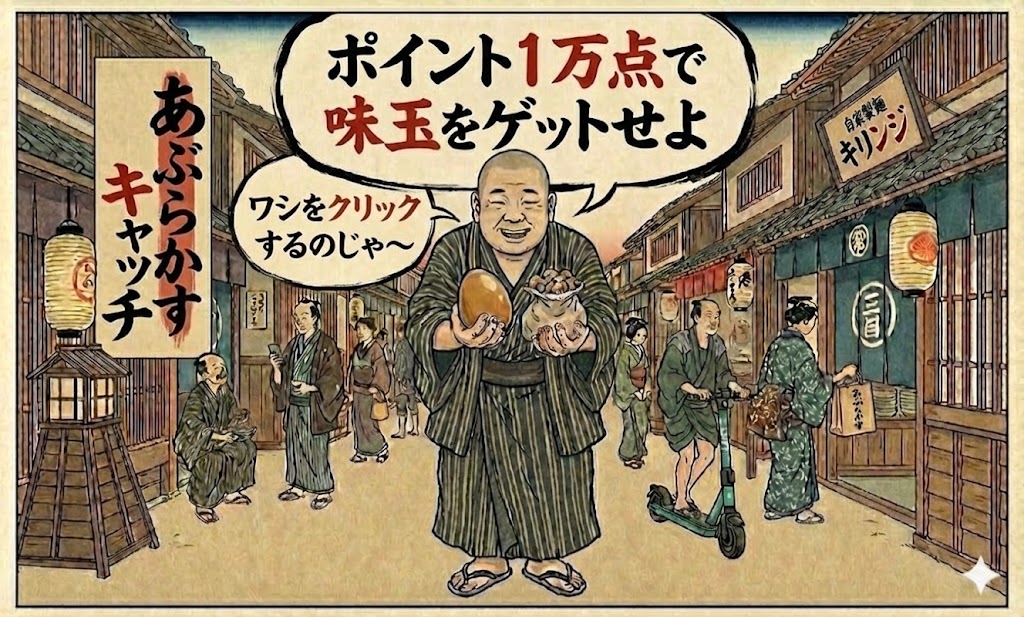
- 一万点で味玉券。「あぶらかすキャッチ」を作った理由
 暇な待ち時間に、何かひとつくらい楽しんでもらえないか。そ… 続きを読む: 一万点で味玉券。「あぶらかすキャッチ」を作った理由
 - 「丼チャレンジ」、金の丼を店主に奪われるゲーム
 丼チャレンジ ■ メタ情報(入稿用設定) ■ 本文 前作… 続きを読む: 「丼チャレンジ」、金の丼を店主に奪われるゲーム
 - あぶらかす とは?「カスラーメン」「あぶらかす」—検索してココにたどり着いたあなたは、かなり本気だ
 「カスラーメン」「あぶらかすラーメン」——検索してここに… 続きを読む: あぶらかす とは?「カスラーメン」「あぶらかす」—検索してココにたどり着いたあなたは、かなり本気だ
 - あぶらかす(油かす)の歴史と発祥—なぜ生まれ、なぜ仙台に届いたのか、
 「カス」とは何か。なぜこの食材は長年、表に出てこなかった… 続きを読む: あぶらかす(油かす)の歴史と発祥—なぜ生まれ、なぜ仙台に届いたのか、
 - あぶらかす 仙台–持ち帰り・テイクアウト 北四番丁 二日町 自家製麺キリンジ
 あぶらかす 仙台で買える唯一の場所|持ち帰り600円・1… 続きを読む: あぶらかす 仙台–持ち帰り・テイクアウト 北四番丁 二日町 自家製麺キリンジ
 - 遊んで味玉をゲット!?ゲーム「あぶらかすキャッチ」を徹底解説。
 ラーメン好きの皆さんに朗報です!「自家製麺キリンジ」が提… 続きを読む: 遊んで味玉をゲット!?ゲーム「あぶらかすキャッチ」を徹底解説。
 - 仙台ラーメン おすすめ|東北 仙台 唯一あぶらかすラーメン専門・自家製麺キリンジ【北四番丁駅徒歩2分】
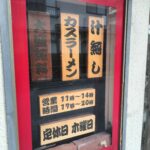 仙台ラーメンおすすめ|東北唯一のかすラーメン専門店・自家… 続きを読む: 仙台ラーメン おすすめ|東北 仙台 唯一あぶらかすラーメン専門・自家製麺キリンジ【北四番丁駅徒歩2分】
 - 東北で唯一の「あぶらかす」カスラーメン自家製麺キリンジが挑む、原価高騰時代のラーメン経営戦略っぽいこと言ってみる
 目次 はじめに──なぜ20年、「自家製麺」「カスラーメン… 続きを読む: 東北で唯一の「あぶらかす」カスラーメン自家製麺キリンジが挑む、原価高騰時代のラーメン経営戦略っぽいこと言ってみる
 - 語るに落ちる。20年ラーメン店を続けて分かった共通点
 目次 はじめに時代は変わるがカスラーメンは変わるな変えな… 続きを読む: 語るに落ちる。20年ラーメン店を続けて分かった共通点
 - あぶらかす|仙台で唯一、仙台のカスラーメン専門 自家製麺キリンジ、気づいたら20年になってた件
 自家製麺キリンジが物価高騰を生き抜く現場の記録2006年… 続きを読む: あぶらかす|仙台で唯一、仙台のカスラーメン専門 自家製麺キリンジ、気づいたら20年になってた件
 - 【ラーメン原価図鑑】ラーメン屋のリアル。ラーメン開業20年の店主が語る「値上げと1000円の壁」を生き残る原価計算について
 自家製麺、あぶらかすが救ってくれた。インフレ時代に個人ラ… 続きを読む: 【ラーメン原価図鑑】ラーメン屋のリアル。ラーメン開業20年の店主が語る「値上げと1000円の壁」を生き残る原価計算について
人気記事
記事カテゴリ

2026年10月 店の地図を3D化 しました。
2026年10月 メニューを3D化 しました。
2026年7月 Hands-Free Kitchen Timer 作りました。
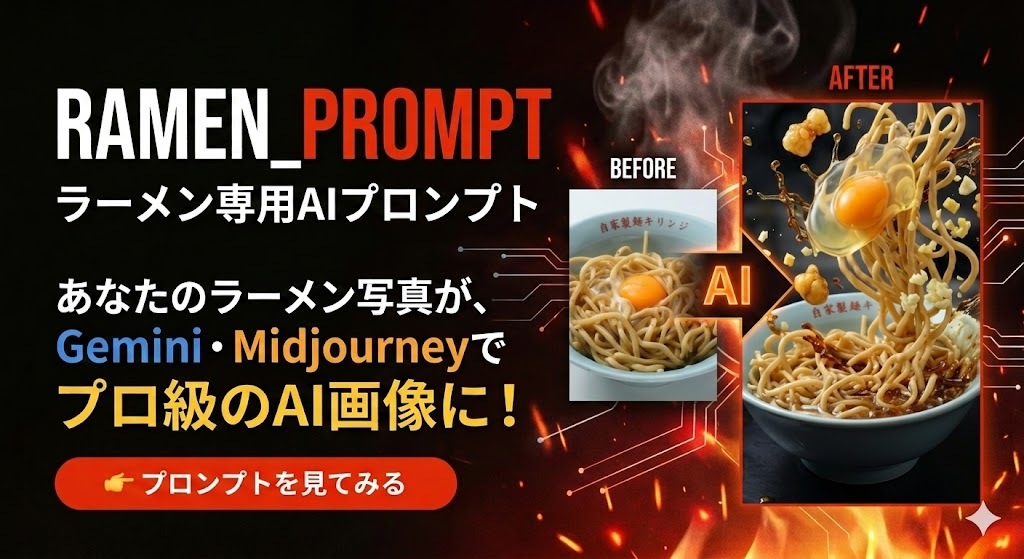
2026年3月 RAMEN_PROMPT作りました。
2022年1月 お問い合わせページ作りました。
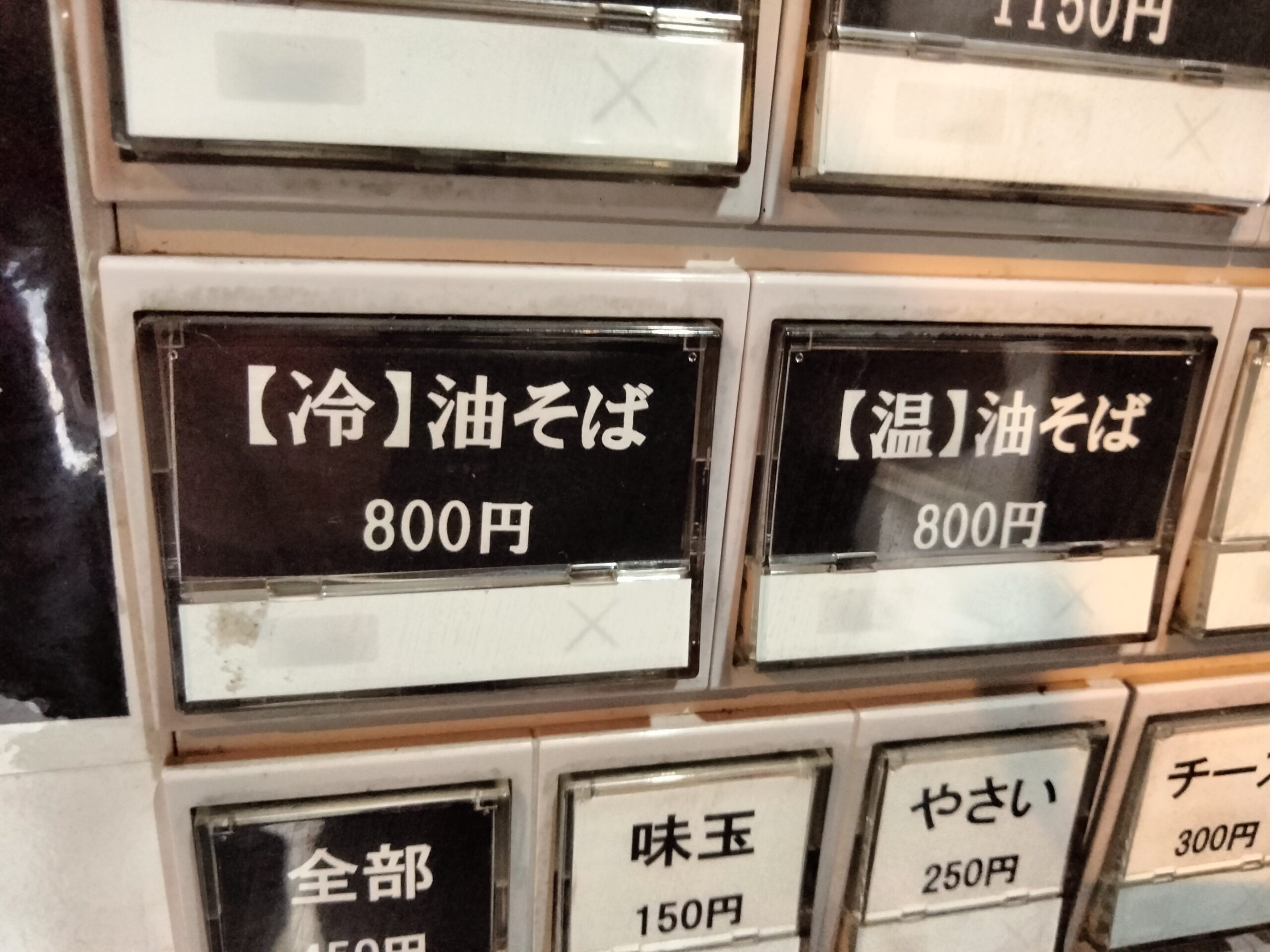
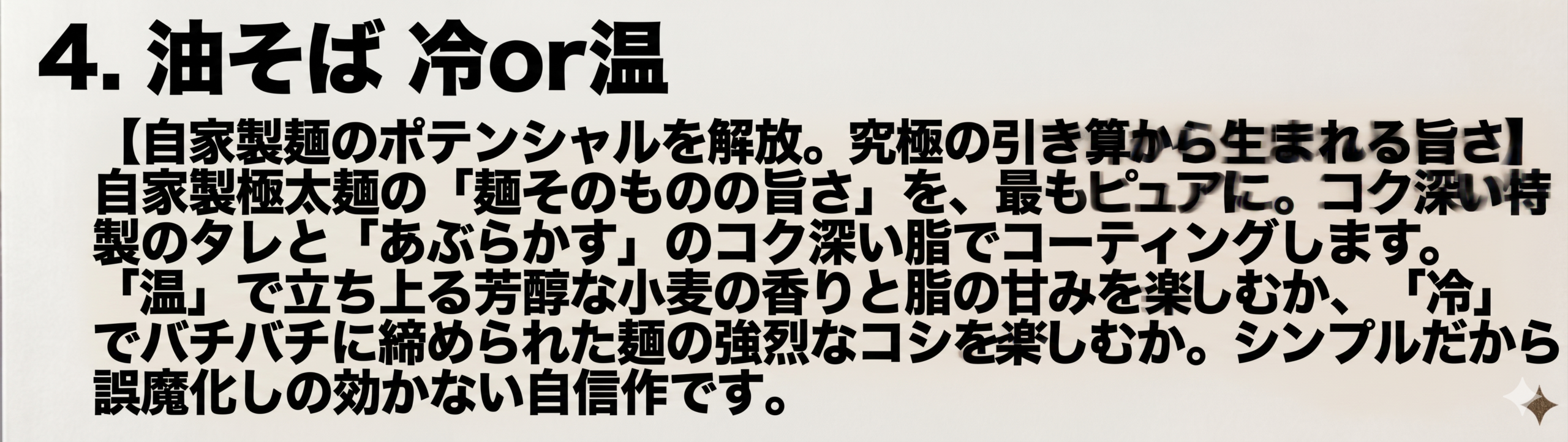
2021年5月 油そば 温or冷はじめました。
2020年3月 ウーバーイーツはじめました。
2016年9月  京都音楽博覧会に出店しました。
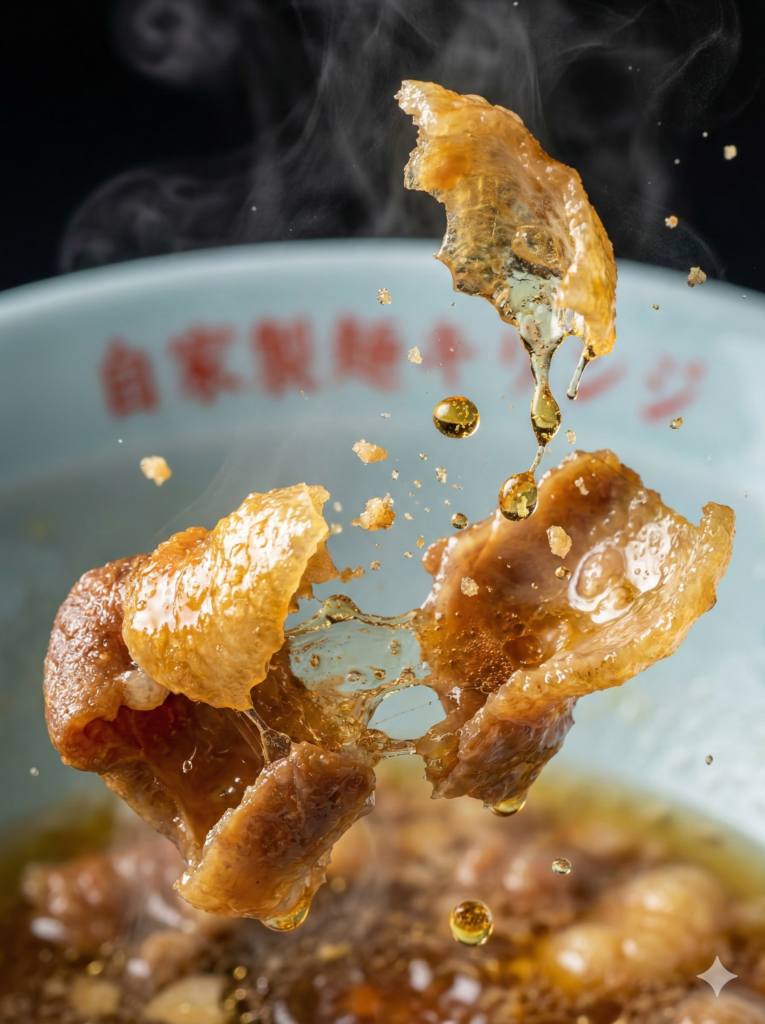
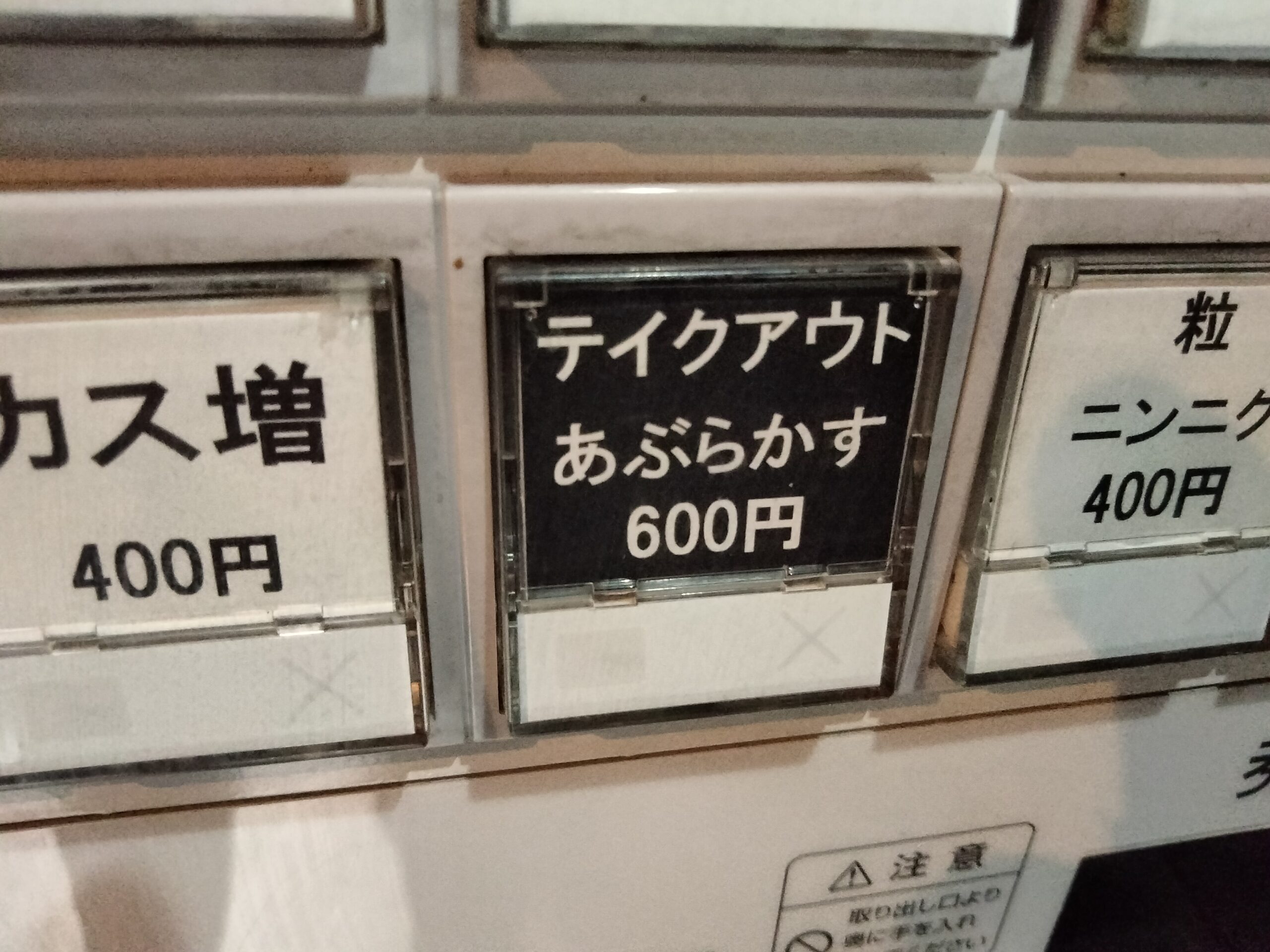
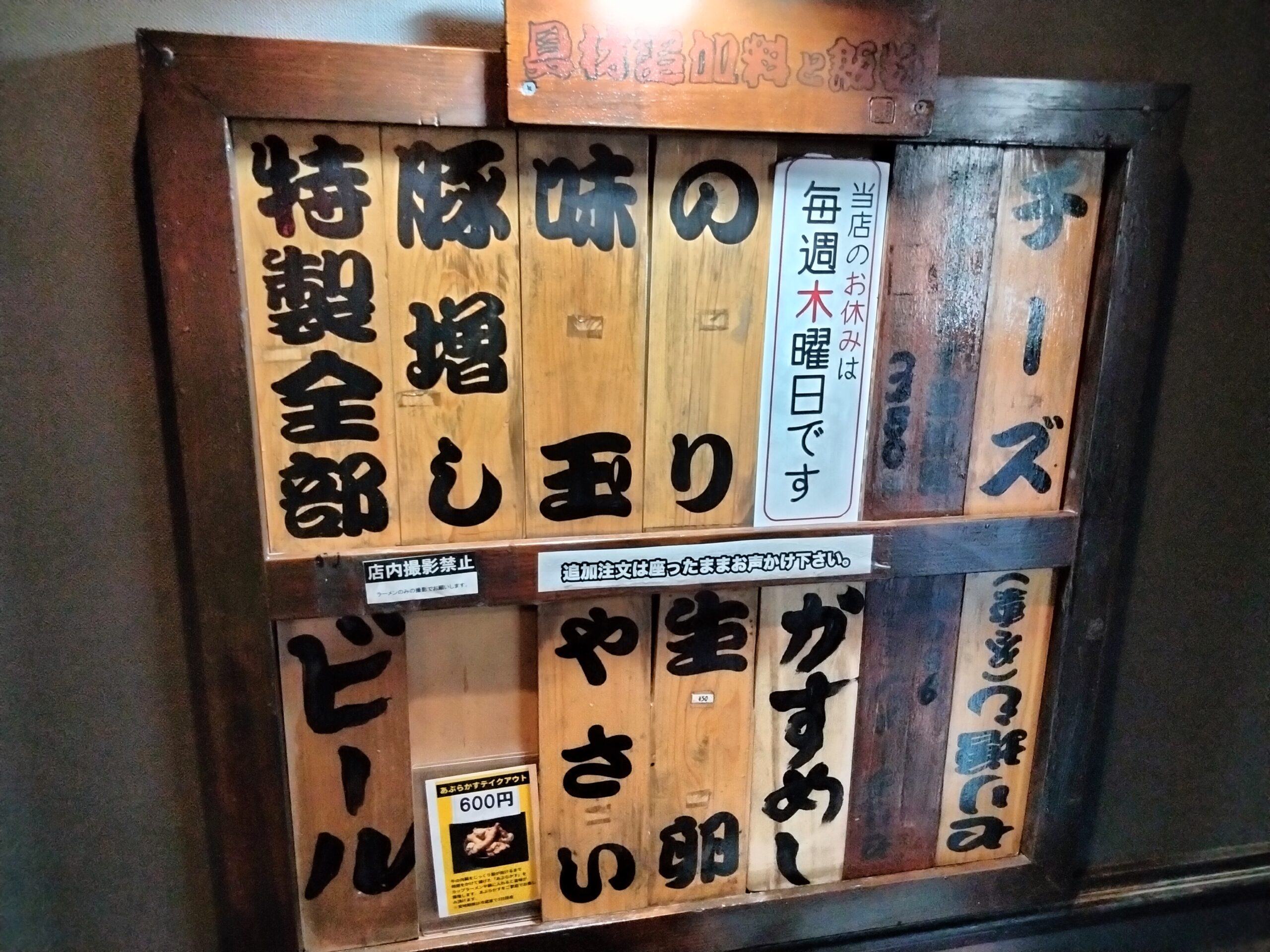
2009年11月 あぶらかすテイクアウトはじめました。
2007年7月 公式サイトオープンしました。
2006年12月 オープンしました。


 住所
宮城県仙台市青葉区二日町15-15第2石原ビル1F
交通手段
 地下鉄東西線北四番丁駅徒歩約2分

当店の専用駐車場はございませんので、近隣のコインパーキングをご利用下さい。